# Governance Voting Guide

After going through the Discussion, Draft, and Proposal phases a proposal is eligible to be voted on. Currently creating a proposal will take place on the official CGDAO [**Governance Portal**](https://dao.chainguardians.io). Refer to the [**Voting Process**](/cgdao/governance-process/voting/voting-process.md) for extra information.

## Governance Voting

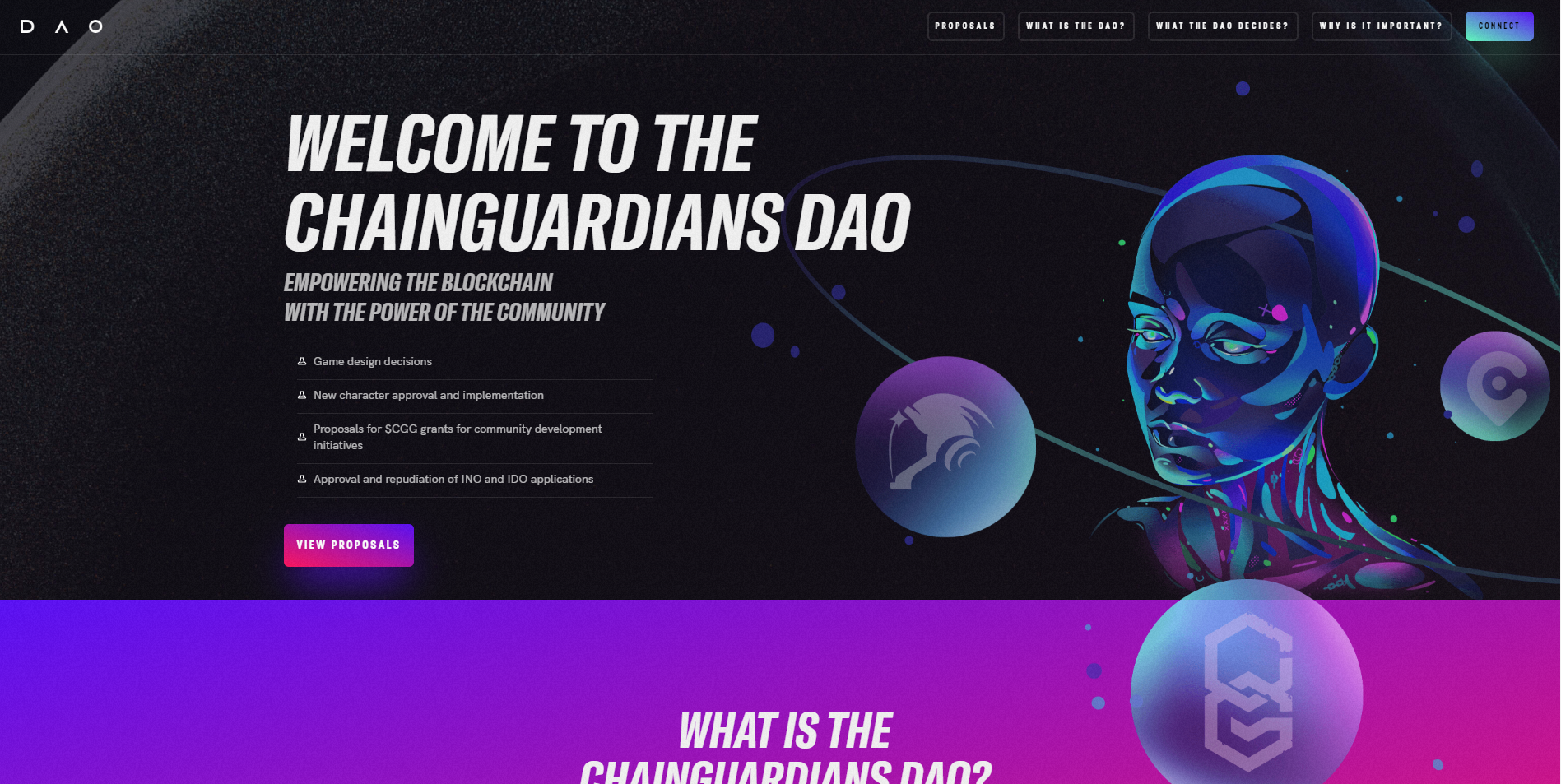
* [ ] <mark style="color:purple;">**Visit the official CGDAO**</mark> [**Governance Portal**](https://dao.chainguardians.io/).

<figure><img src="/files/pjpJ6mjwu9Q76XezAVkx" alt=""><figcaption></figcaption></figure>

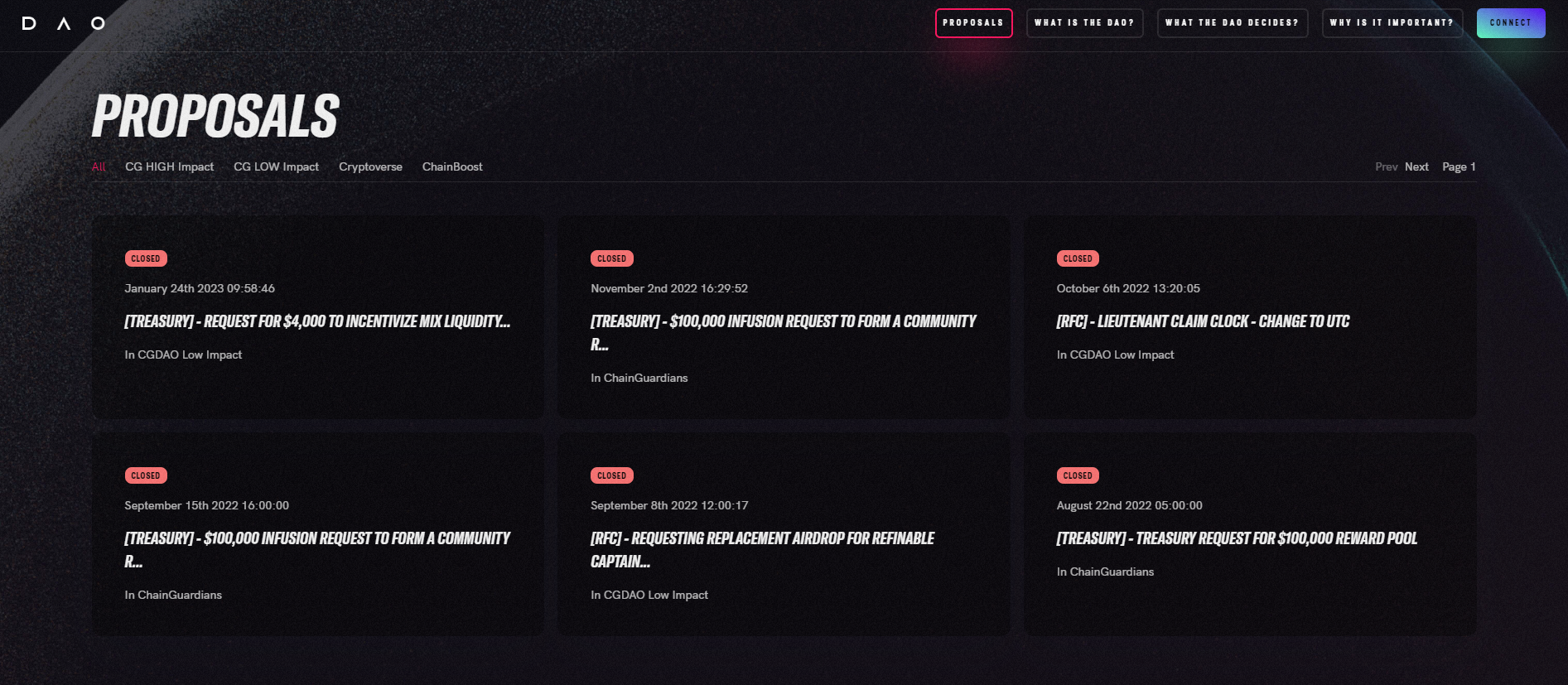
* [ ] <mark style="color:purple;">**Navigate to the**</mark> [**Proposals**](https://dao.chainguardians.io/proposals) <mark style="color:purple;">**page or simply scroll down.**</mark>

<figure><img src="/files/XcYnpRMSBd7U47GaD3TB" alt=""><figcaption></figcaption></figure>

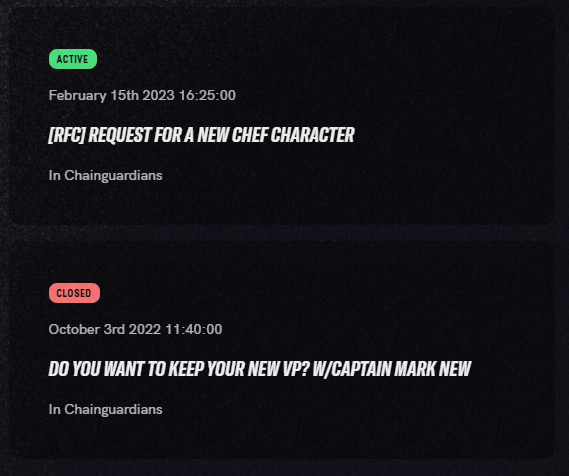
* [ ] <mark style="color:purple;">**Select an open proposal, indicated by the green**</mark> <mark style="color:green;background-color:green;">**Active**</mark> <mark style="color:purple;">**status at the top left of any proposal.**</mark>

<div align="left"><figure><img src="/files/qqybGloIxSrNaV7Od1tL" alt=""><figcaption><p>Some proposals will have a grey "Pending" status indicating it will be active at a later time.</p></figcaption></figure></div>

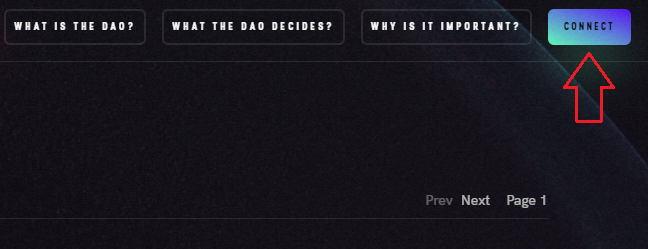
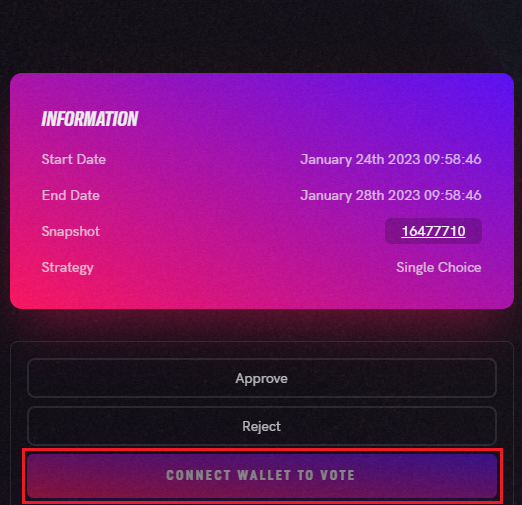
* [ ] <mark style="color:purple;">**Connect your wallet, after which you can check your Voting Power located above the "Information" panel.**</mark>

<div align="left"><figure><img src="/files/7TlMhcSVPLyBejP1IJ0b" alt=""><figcaption><p>Located at the top right of the site.</p></figcaption></figure> <figure><img src="/files/zBZWX2B0AcVunzCxfCFQ" alt=""><figcaption><p>Your VP will not be displayed until you connect.</p></figcaption></figure></div>

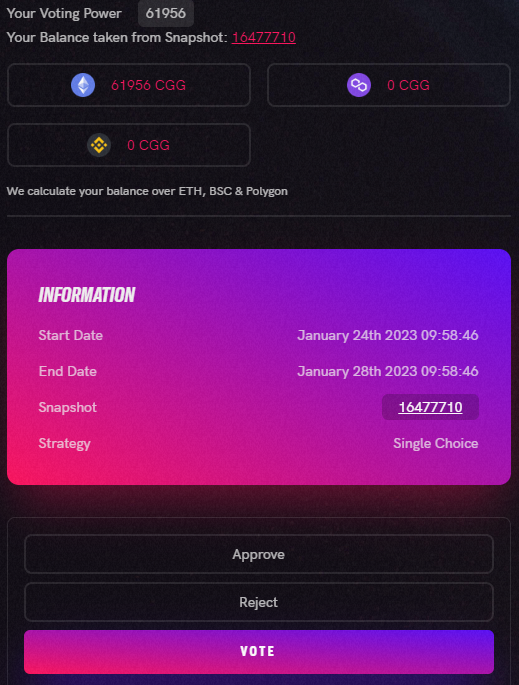
* [ ] <mark style="color:purple;">**Voting options are below the “Information” panel. Select the appropriate option(s) then press the vote button finish. Signing a transaction is required.**</mark>

<div align="left"><figure><img src="/files/jym4Dy8WskMl4OLVKqrl" alt=""><figcaption><p>Selection and voting options may depend on the voting strategy (type). <strong>Voting is gasless.</strong></p></figcaption></figure></div>

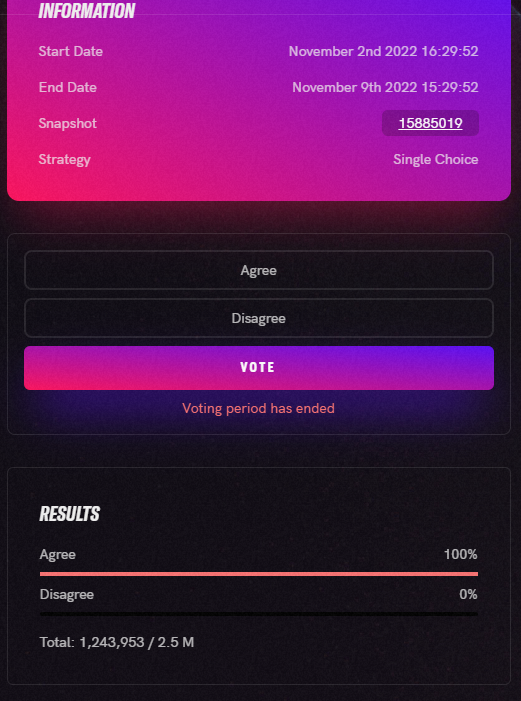
* [ ] <mark style="color:purple;">**The Total VP could take a few minutes to reflect your vote. Find the final "Results" below the voting options and "Total Votes" below the proposal description.**</mark>

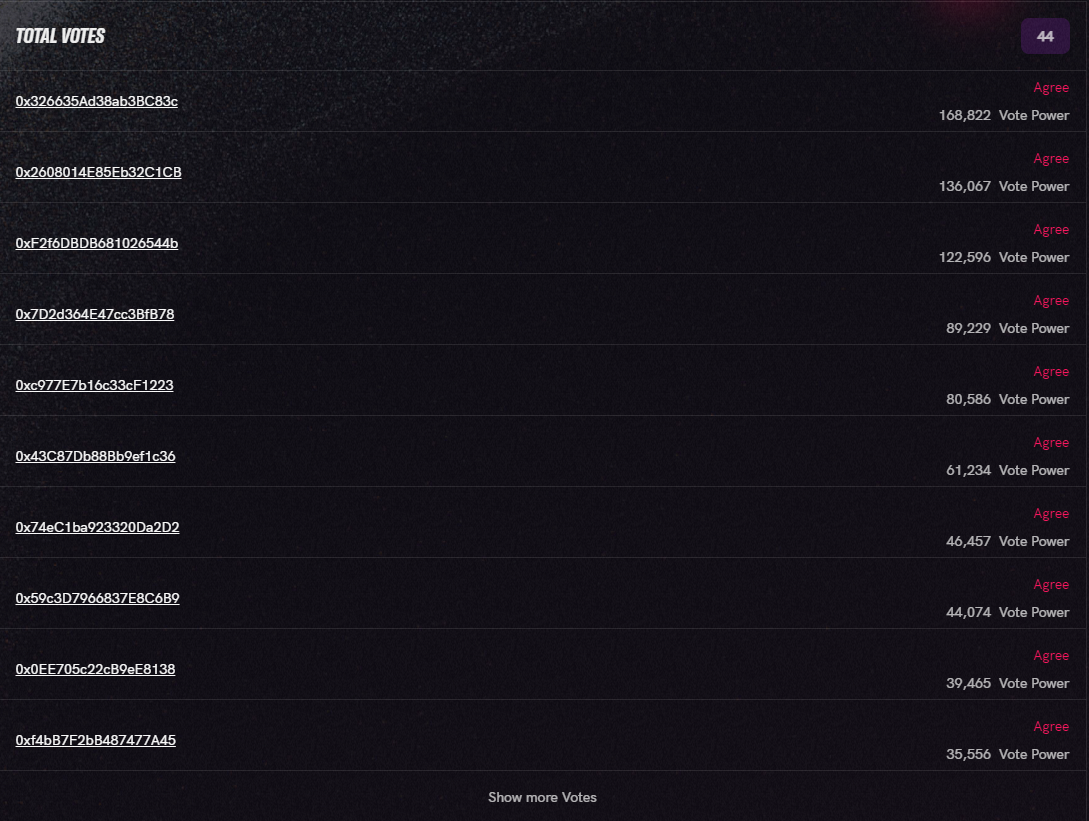
<div align="left"><figure><img src="/files/GNPUWMCpTm4O20PcB9oZ" alt=""><figcaption><p>No voting after Voting period has ended.</p></figcaption></figure> <figure><img src="/files/HQbliUGm2sjbmZGBGSf3" alt=""><figcaption><p>Hover over users' Vote Power to see their VP breakdown.</p></figcaption></figure></div>

You have now completed the voting process. After a voting period of **4 days for low impact** and **7 days for high impact** has elapsed, the proposal will pass or fail. Final results can always be viewed on the proposals' page.&#x20;

If the main site is down, then the official [**Snapshot** ](https://snapshot.org/#/cgdao.eth)space can be used as an alternative voting source. See [**Snapshot Voting Guide**](/cgdao/education/snapshot-voting-guide.md) for more information.

{% hint style="info" %} <mark style="color:blue;">**Reminder:**</mark> You need **1000 VP** (Voting Power) to vote. This may consist of CGG balance on any network + CG NFTs (Guardians) + internally staked CGG.
{% endhint %}


---

# Agent Instructions: Querying This Documentation

If you need additional information that is not directly available in this page, you can query the documentation dynamically by asking a question.

Perform an HTTP GET request on the current page URL with the `ask` query parameter:

```
GET https://docs.chainguardians.io/cgdao/education/governance-voting-guide.md?ask=<question>
```

The question should be specific, self-contained, and written in natural language.
The response will contain a direct answer to the question and relevant excerpts and sources from the documentation.

Use this mechanism when the answer is not explicitly present in the current page, you need clarification or additional context, or you want to retrieve related documentation sections.